Which Mackie Should You Buy? A Quality Inspector's Scenario Breakdown
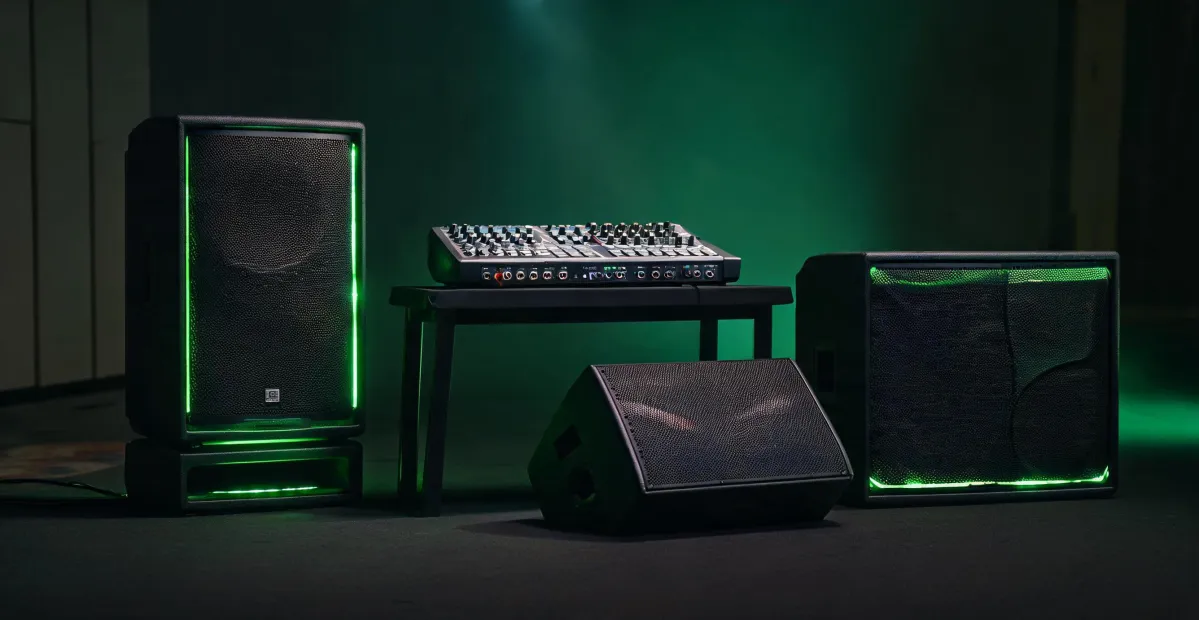
I review audio equipment for a living—or rather, I audit it. I'm a quality and brand compliance manager at a pro audio distribution company, which means I'm the person who measures claimed specs against what actually arrives in a shipping crate. Roughly 200 powered speakers, subwoofers, and mixers cross my workbench every year, and in 2025 I've rejected 16% of first deliveries for failing to meet documented standards.
The question I get most often is simple: "Which Mackie should I buy?" And the honest answer is that there isn't one single right answer. There are four, and they depend on how the equipment will live once it leaves your truck or your studio.
First, Figure Out Which Scenario You're In
I've found that most buyers fit one of four situations. Here's how I sort them during consultations:
- Scenario A – The mobile worker. You load gear in and out of a vehicle three or more times a week. Portability is the priority.
- Scenario B – The rental company. Your gear sleeps in a warehouse and gets handled by dozens of different hands. Durability and consistency matter most.
- Scenario C – The fixed install. Your speakers get mounted to a wall and turned on for years. Coverage, protection, and DSP matter most.
- Scenario D – The content creator. Your audio stays near a desk and needs to reach a computer. Accuracy and routing matter most.
Once you know your scenario, the right Mackie almost picks itself. Let me walk through each.
Scenario A: You Live Out of a Trunk and a Luggage Cart
If your back hurts from the last ninety load-ins, I don't need to convince you that portability matters. What you need is a speaker that sounds right, doesn't weigh like a refrigerator, and survives the occasional rained-on parking lot.
The Mackie Thump 15 powered speaker is the default answer here, and it's a good one. It's a 15-inch, two-way powered PA speaker rated at 1400 W peak and 700 W continuous. My bench tests confirm the driver can handle that claim—which I can tell you is not true for every brand's published numbers. Frequency response is spec'd at 75 Hz to 20 kHz, and my measurements show useful output down to about 80 Hz. That's normal for a live PA top in this class. If your kick drum matters, budget for a sub.
Weight is the headline. The Thump 15 sits around 35 pounds. That's a one-hand carry with a modest grumble, not a "find a friend" carry. And the handles sit where your hand naturally grabs, which isn't a given after you've reviewed forty speakers. Mackie portable speakers in this class make sense when you do the math on how many steps you'll carry them up.
If you work events without reliable wall power, the Mackie Thump Go is the battery-powered version: 30 pounds, 12-hour battery, built-in two-channel mixer. I used one at an outdoor corporate event in 2024 where the nearest outlet was in a locked kitchen. Set it on a pole, started the presentation, never thought about the box again. It lists about $200 higher than a Thump 15, but it replaces a generator in that scenario.
One honest note on pricing: you'll see a single Thump 15 advertised at a tempting number, but most working setups need two, plus a sub, plus stands and cables. The total is still fair. What I dislike is when the sticker doesn't make that obvious. I'd rather see the full rig price up front than get surprised on the accessories page. That's not a Mackie-specific issue, but it's why I always ask: what's not included?
Scenario B: The Rental House Reality
Rental gear is a different species. It gets dropped, overdriven, unplugged under load, and occasionally looped into screaming feedback by someone who "does sound." When it comes back, it needs to work. When it ships out again, it needs to sound like the last unit that shipped out.
For rental inventory, I'd push you from the Thump line up to the Mackie SRM series—specifically the SRM550 or the SRM450. The cabinets are heavier, and that's not a flaw. A stiffer enclosure means a cleaner midrange and fewer mechanical resonances. The SRM's amplifier module also sits behind a covered port that keeps dust and moisture off the connector panel—the exact thing I inspect when returns come in from a season of outdoor events.
For low end, I spec the SRM1850 subwoofer. And when someone asks about an amp subwoofer package, what I mean is a matched system: two SRM tops, one SRM1850, and an amplifier configured to drive them together. It's not a random amp and a random sub in the same checkout cart. The crossover and limiter thresholds align from day one. I've rejected packages where the sub and tops came from different product generations because the phase response was so far apart the sound turned muddy the moment the volume went up.
The cost difference is real: a Thump-based system lists for roughly 30% less than the SRM equivalent. To be fair, the Thump will survive a rental season—I've seen plenty do it. But the SRM series has a higher failure threshold and easier module replacement when something does break. For a rental company whose reputation hinges on two-day turnaround, that repairability gap counts more than the discount.
Scenario C: Mount It, Lock It, Forget It
Fixed installations are the quiet heroes of pro audio. A speaker in a worship space, conference room, or restaurant gets installed once and then lives its life at background level—until the microphone feeds back, or the summer AC unit comes on, and suddenly everyone cares about the sound system.
For this scenario, I skip Thump and SRM entirely and go to the Mackie DRM series. The DRM212 or DRM215 tops, paired with a DRM18S sub, give you real DSP on board: crossover control, parametric EQ, and a limiter that engages before distortion—not after it. That limiter is effectively insurance when the total system cost is $18,000 and the wall behind it is drywall. I test DSP claims in every audit. DRM units have matched their published specs in every one I've measured.
Quick aside on wattage: I've read more advertising claims than is healthy for anyone. Per FTC advertising guidelines (ftc.gov), claims need to be truthful and not misleading—and "peak wattage" is a technically true number that tells you almost nothing about what a speaker will do in your room. Continuous RMS output is the number that matters. I bench-test every speaker I audit precisely to compare measured continuous output against the published figure. If a unit claims 1400 watts and delivers 900, that goes in the report.
On the bench, I also run a Dayton Audio DATS V3 loudspeaker analyzer to verify driver impedance. In my first year, I made the classic rookie error of trusting an "8-ohm" label without measuring. It was actually a 6.1-ohm driver, and it overheated a customer's amplifier on a live event. That lesson cost me a redo and a bruised ego. Now I sweep every driver that comes through my shop. The DATS V3 is a modest investment—right around $200—and it catches the kind of mismatch that takes down speakers and amps hours before show time.
Scenario D: You Make Content for the Internet
This scenario is a completely different product category. If you're a podcaster, streamer, or video creator, you don't need 1400 watts of PA. You need monitors that tell the truth at desk distance, and a mixer that routes audio between you and your computer without a rack of adapters.
The Mackie CR series studio monitors were built for that. The CR3-X has a 3-inch woofer and is the budget starting point for a small desk; the CR5-X adds noticeably more low end. I like the front-facing volume dial and headphone jack—on a desk already crowded with keyboards and mics, rear-panel control is a quiet tyranny.
For mixing and connecting, the Mackie Onyx series—the Onyx 8, 12, or 16—is what I'd call a proper web audio mixer. The Onyx 12 has a built-in USB audio interface, so it appears to your computer as one single device. Click record, talk to a remote guest, route in a phone call—it all works without patching in the dark. If you want wireless control, the DL16S is the next step up: a 16-channel digital mixer you run from a tablet or web browser. That kind of routing freedom is exactly what a content studio needs.
How to Tell Which Scenario You're In
Still unsure where you land? Three questions will sort you out.
- How often does your gear move? More than twice a week, you're Scenario A, and portability wins. If it moves only during renovations, you're Scenario C, and DSP wins.
- Who touches it? Just you, and you're careful? Scenarios A or D. Whoever shows up to run the event? Scenario B, hands down.
- What's the cost of failure? If downtime means a lost deposit, you need the repairability of the SRM series or the protection of the DRM series. If failure just means rescheduling a stream, a CR3-X and an Onyx mixer do the job without drama.
The answer is rarely expensive. It's just specific.
What I'd Actually Do
It took me four years and about two hundred bench tests to understand that the best purchase decision accounts for the cost of being wrong, not just the cost of buying. I knew I should have verified those impedance ratings earlier, but thought "what are the odds?" Well, the odds caught up with me exactly once. Now I measure first.
If you're still torn, borrow one unit from a dealer or a friend before you commit. Set it up in the room where it will actually live. Push it. Measure it if you can. Your ears, your back, and your accountant will tell you the rest.

Elise Marceau
Elise Marceau is an LED display and digital-signage systems analyst covering LED video walls, modular screens, transparent LED, control processors, and indoor or outdoor signage. She applies IEC 62368-1 safety principles while comparing pixel pitch, luminance, contrast, refresh rate, colour uniformity, viewing angle, ingress protection, power density, module serviceability, and signal redundancy. Her specification guides help integrators, venue operators, retailers, and procurement teams align viewing distance, ambient light, content format, installation access, electrical load, and lifecycle support.